Scan documents into searchable PDFs
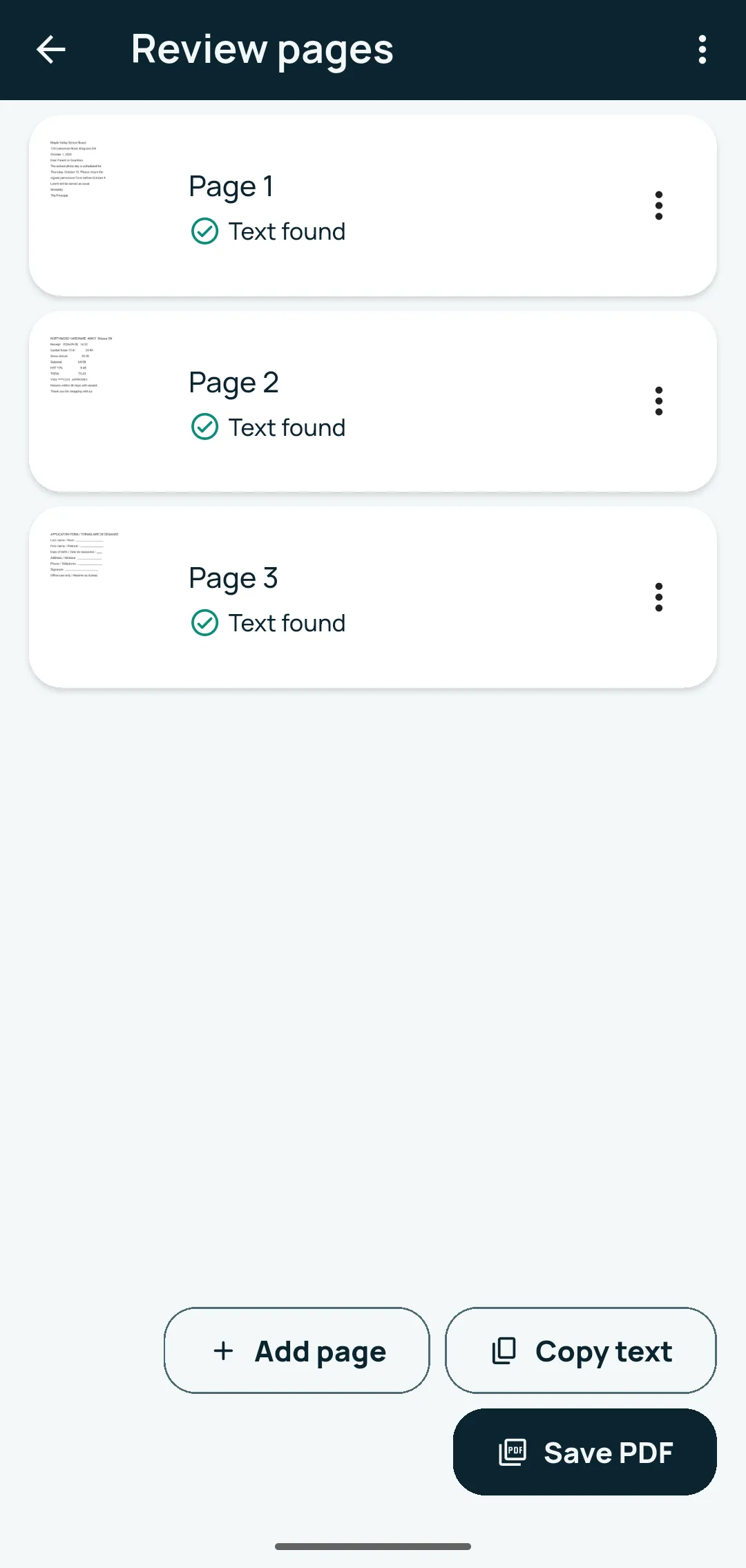
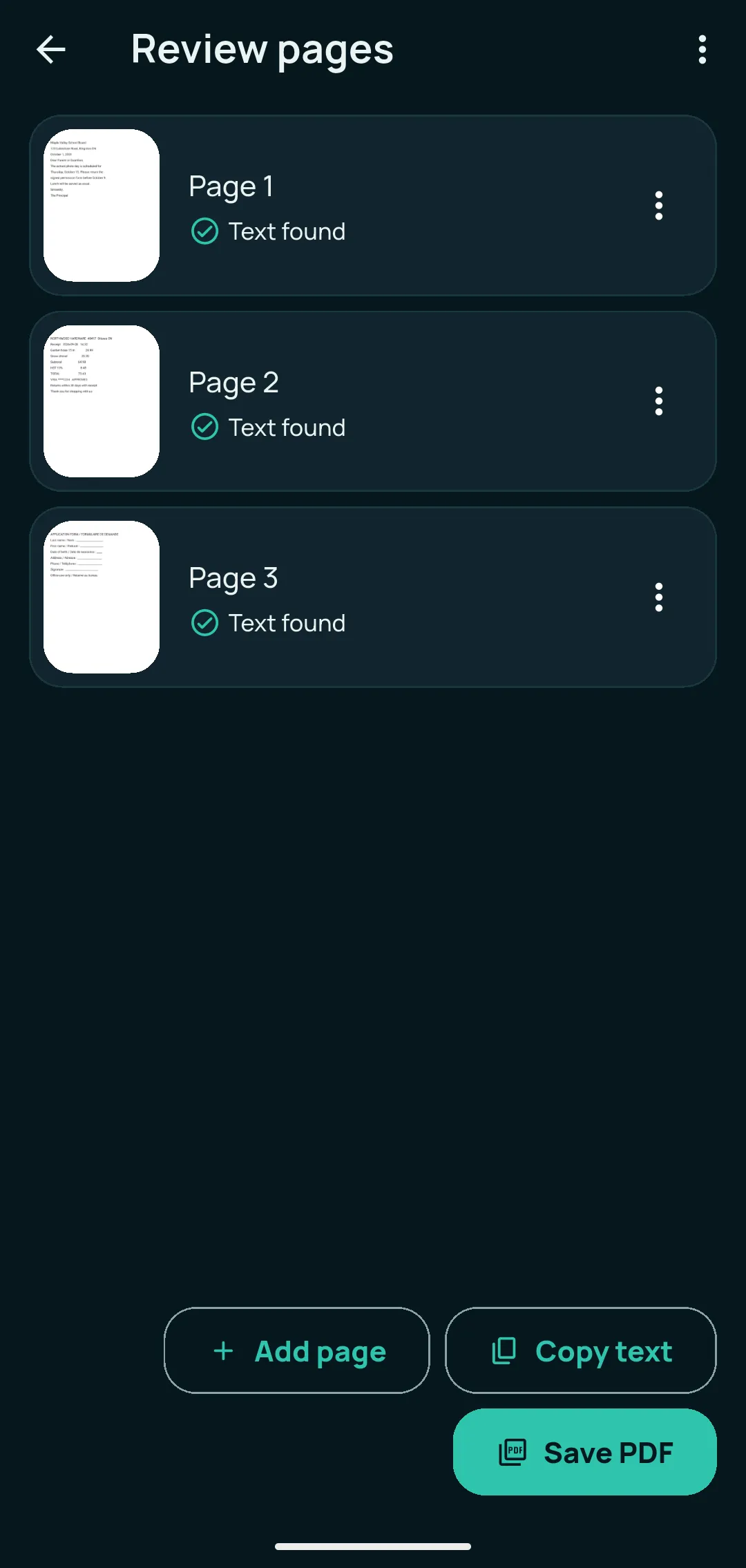
Automatic edges, crop and straighten; as many pages as you need. The text of every page is read on your phone, so shared PDFs are searchable too, with no watermark.
Coming soon on Google Play · Android 7.0 or newer
Kopi Scan is a private document scanner with on-device OCR for Android. Paper becomes clear, searchable PDFs on your phone, and your documents stay on your device unless you choose to share, export or back them up.
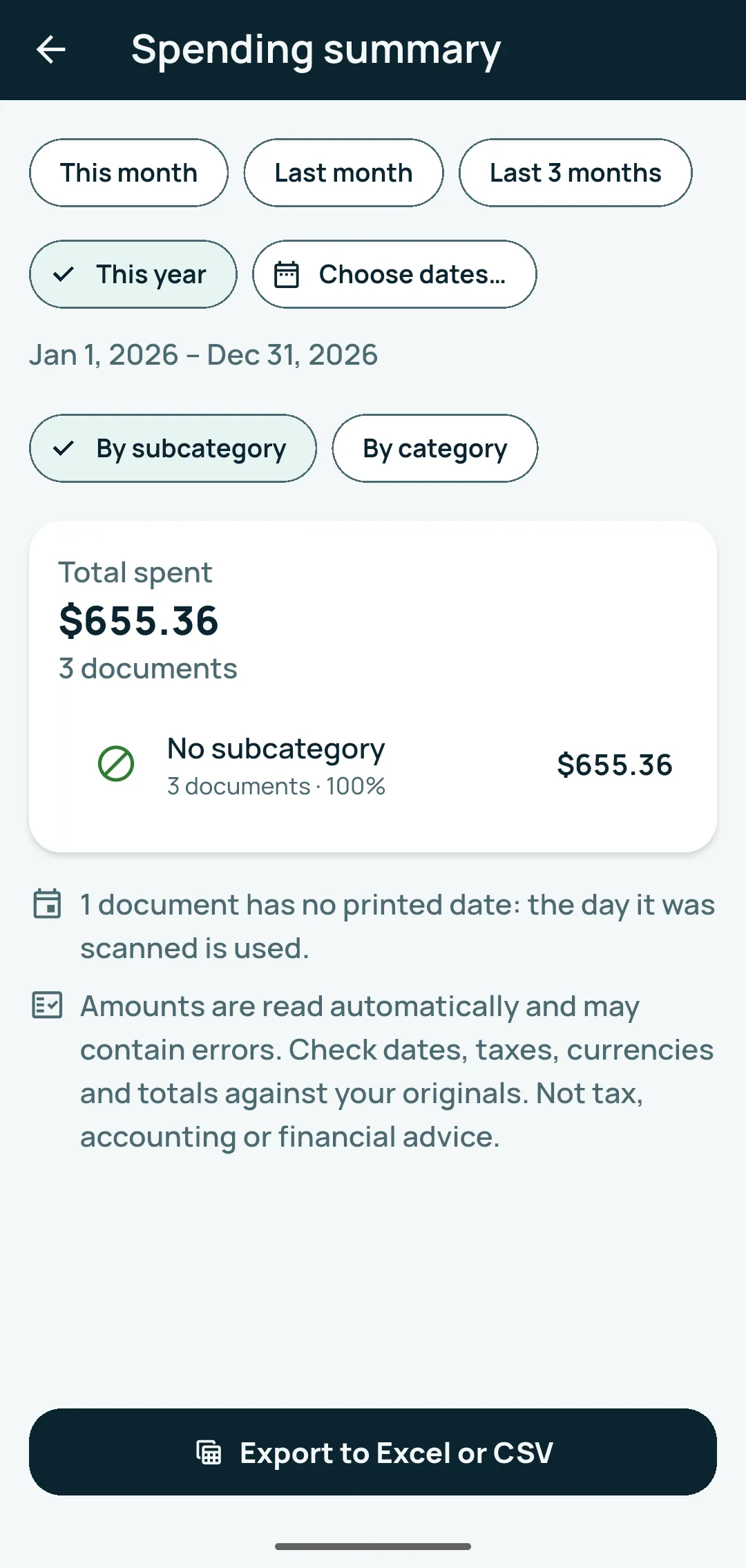
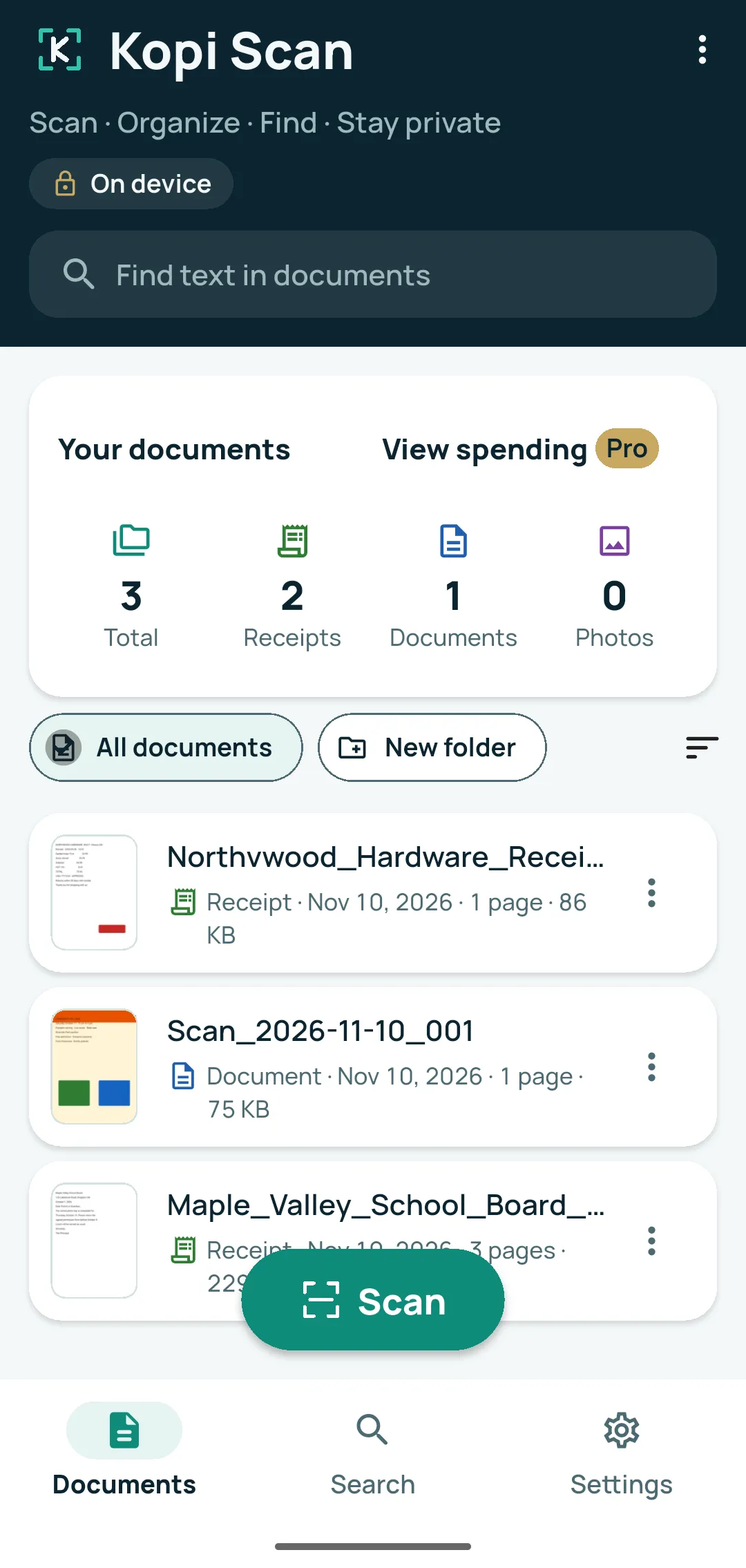
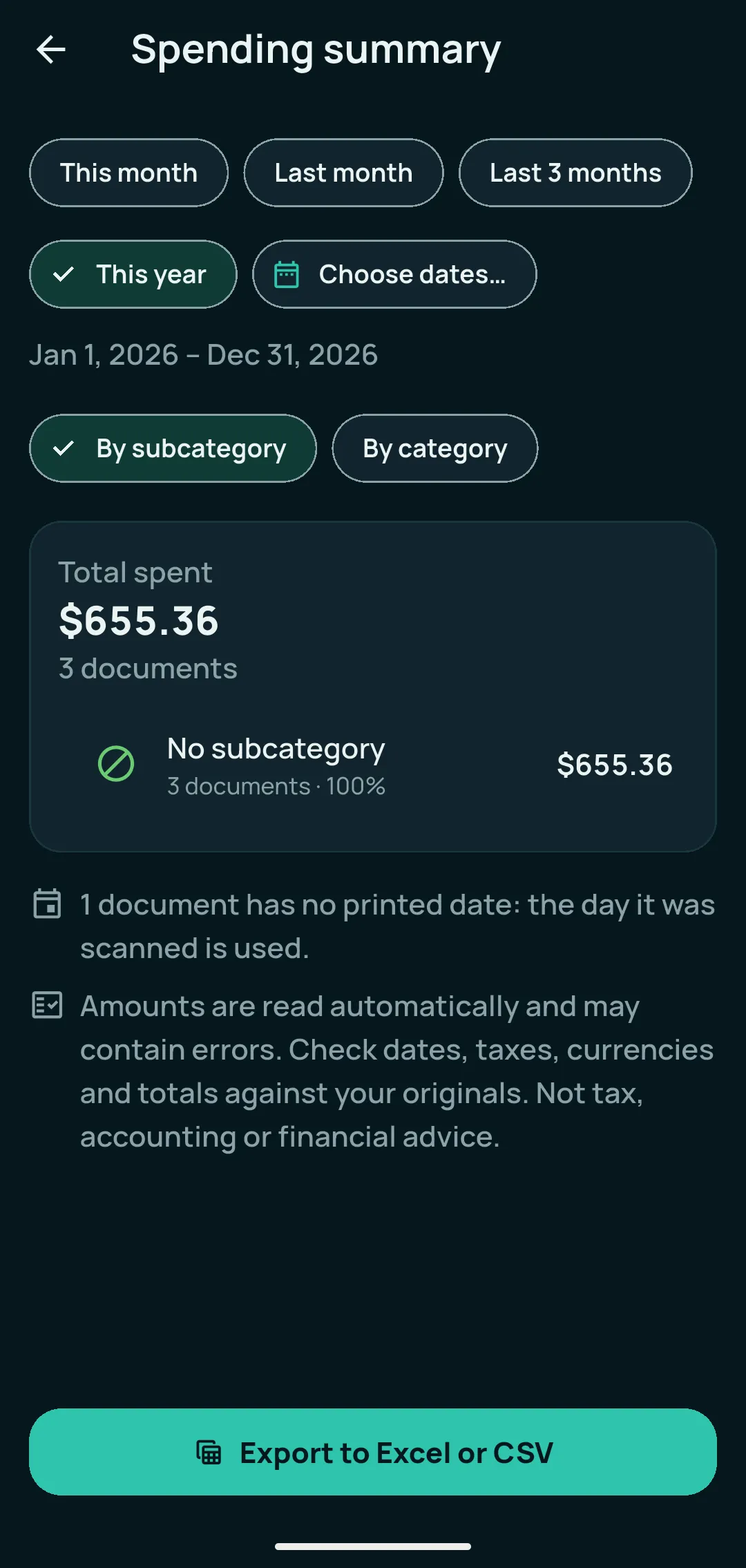
Real screens: your Documents list, and the Spending summary from Kopi Scan Pro.
Automatic edges, crop and straighten; as many pages as you need. The text of every page is read on your phone, so shared PDFs are searchable too, with no watermark.
Search any document by a word printed inside it. Suggested names and types, folders, tags, and receipts grouped by month or shop keep everything in reach.
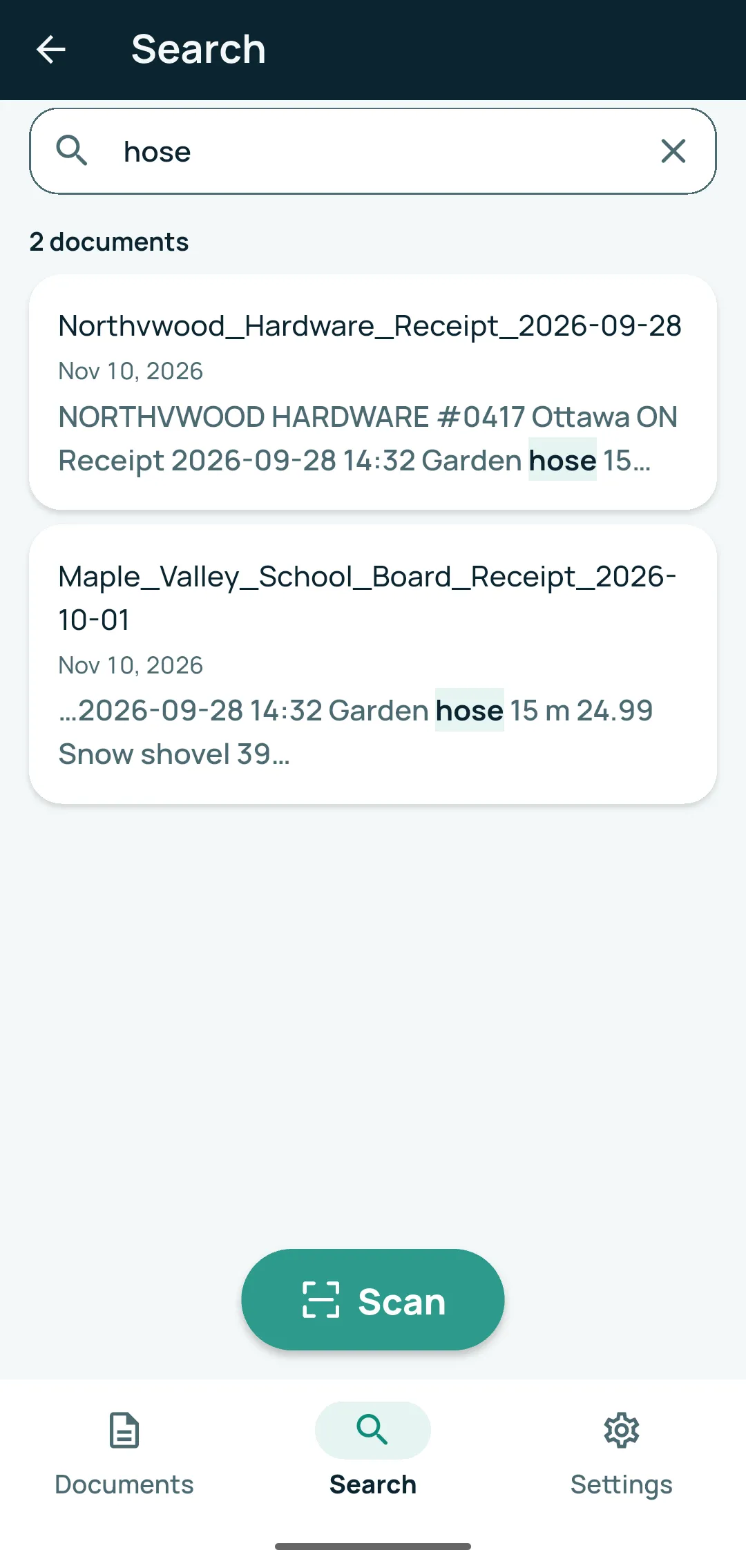
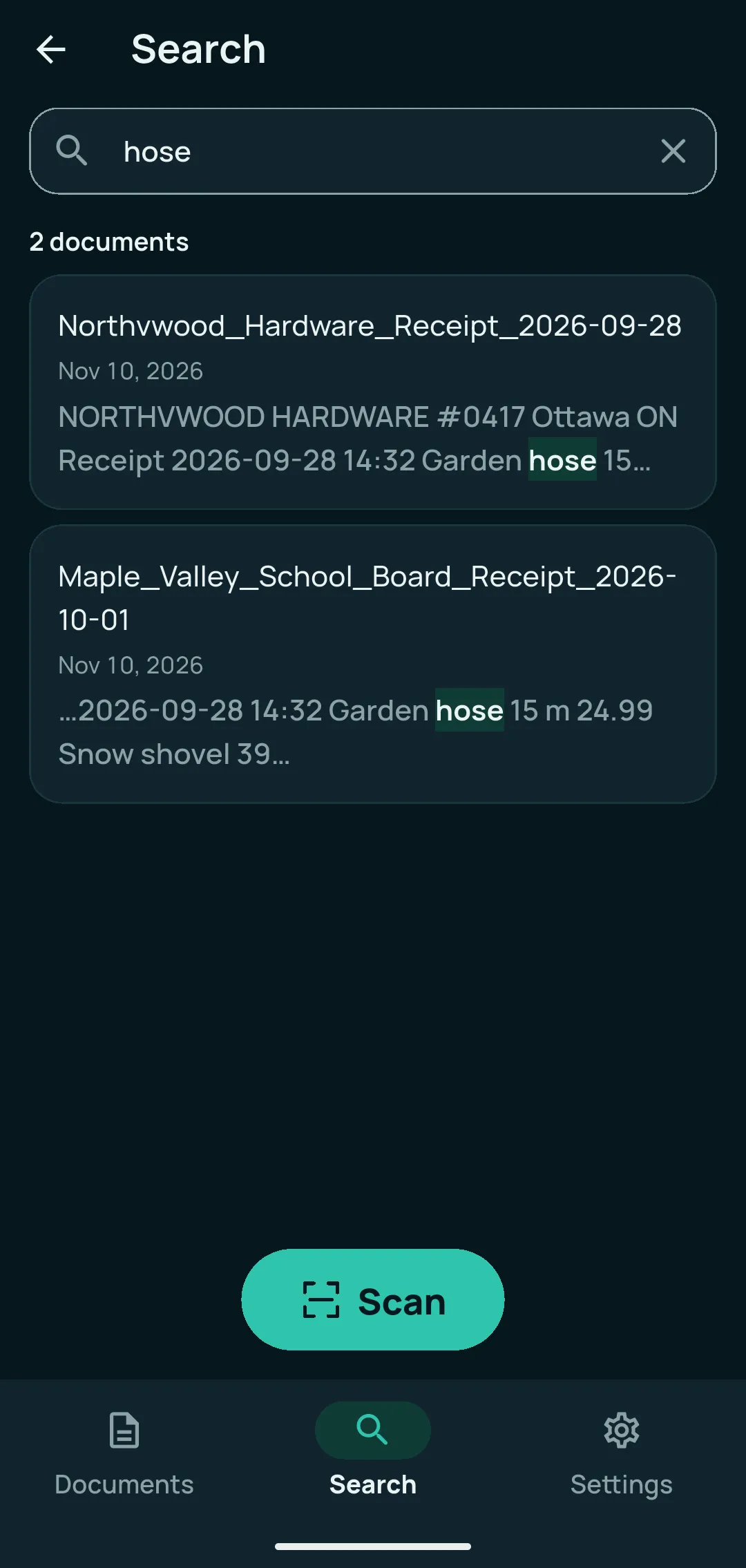
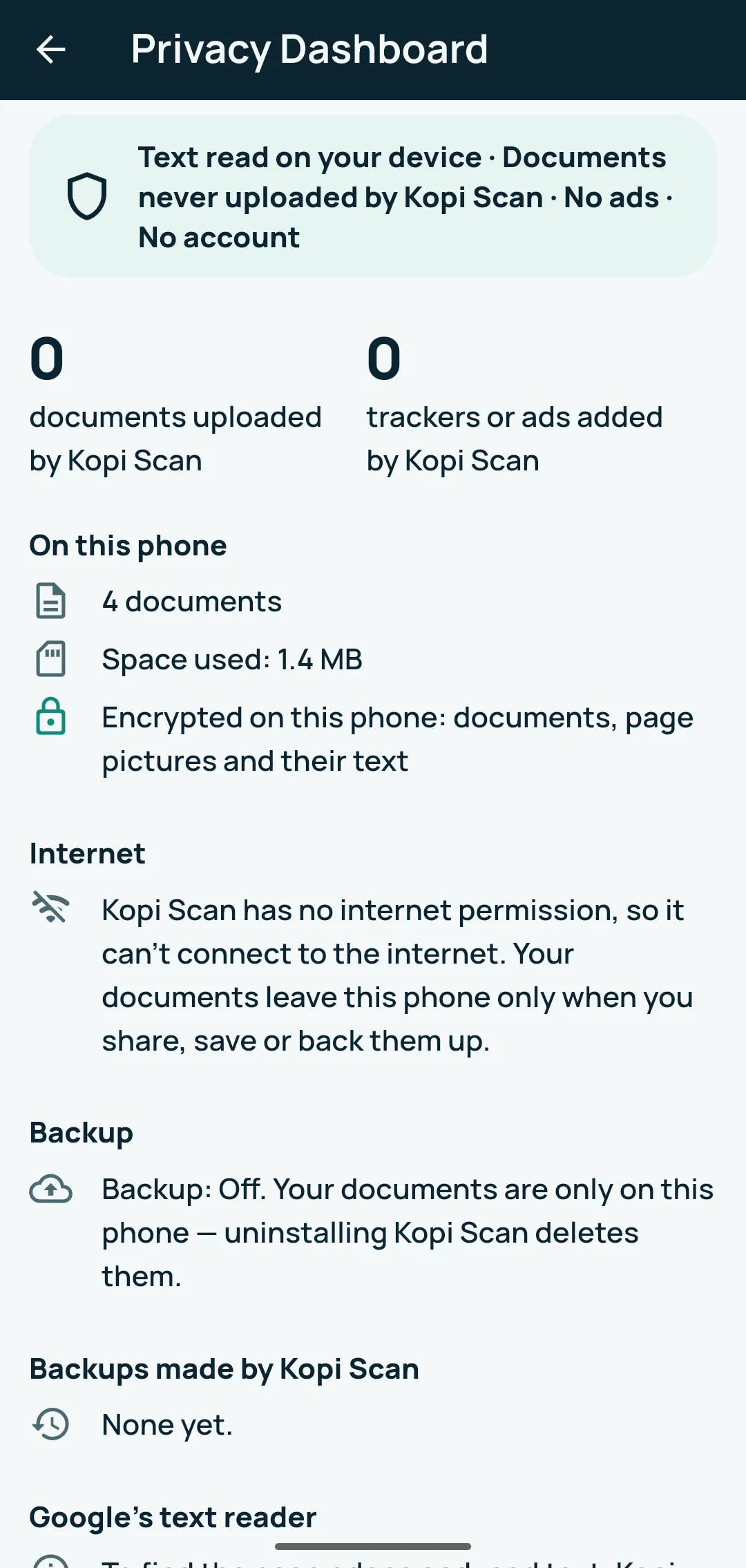
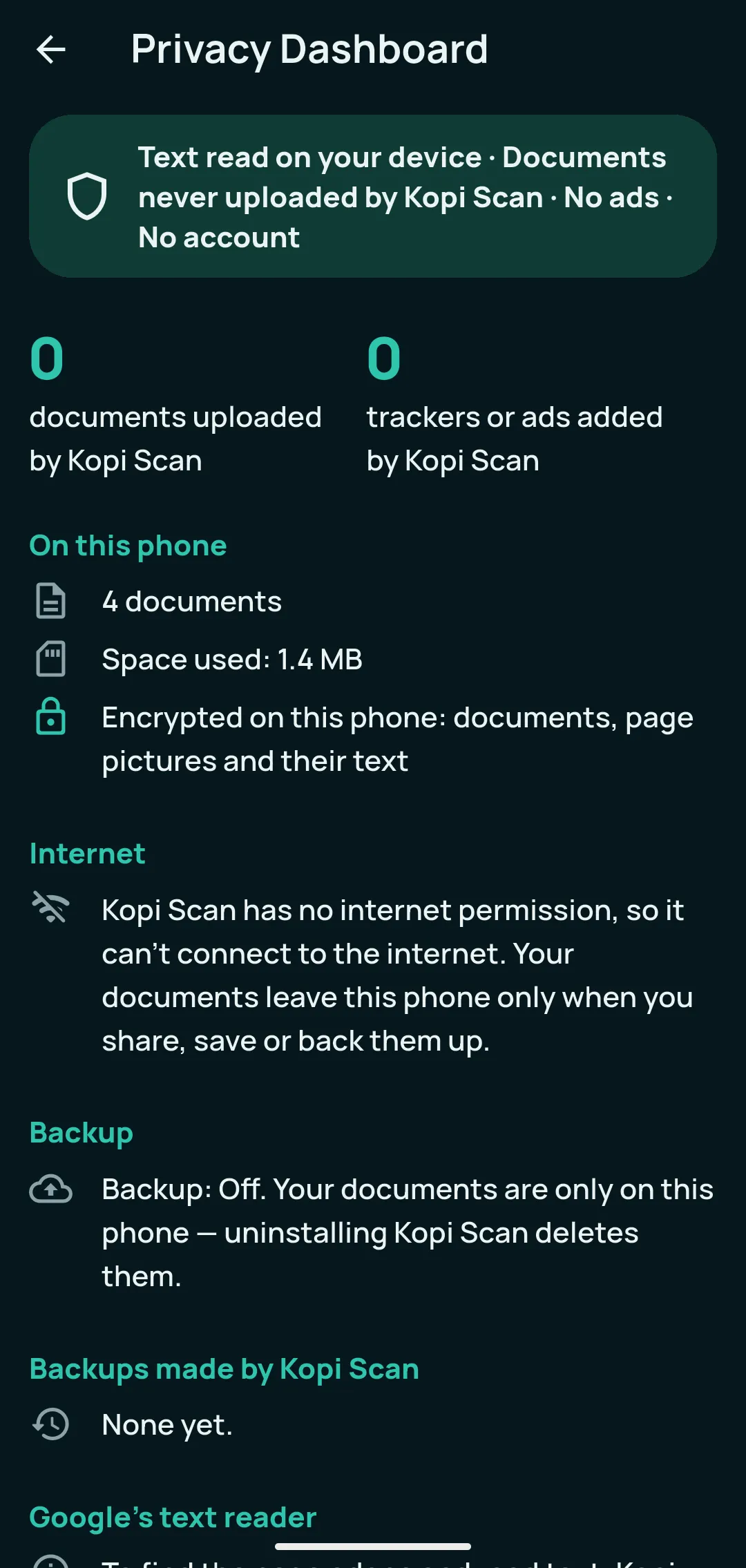
Stored encrypted on your phone and readable in Airplane Mode. Lock the app with your fingerprint, face or PIN, and see exactly what is kept in the Privacy Dashboard.
The free Receipt view shows the shop, date and items. Kopi Scan Pro adds the amounts, sorts receipts, invoices and bills into expense subcategories and totals them in the Spending summary for any dates.
Totals by subcategory or category, for this month, this year or your own dates.
Each document, by subcategory, by category and a monthly summary, ready to open in a spreadsheet.
One PDF and one spreadsheet for the year, sorted by your subcategories.
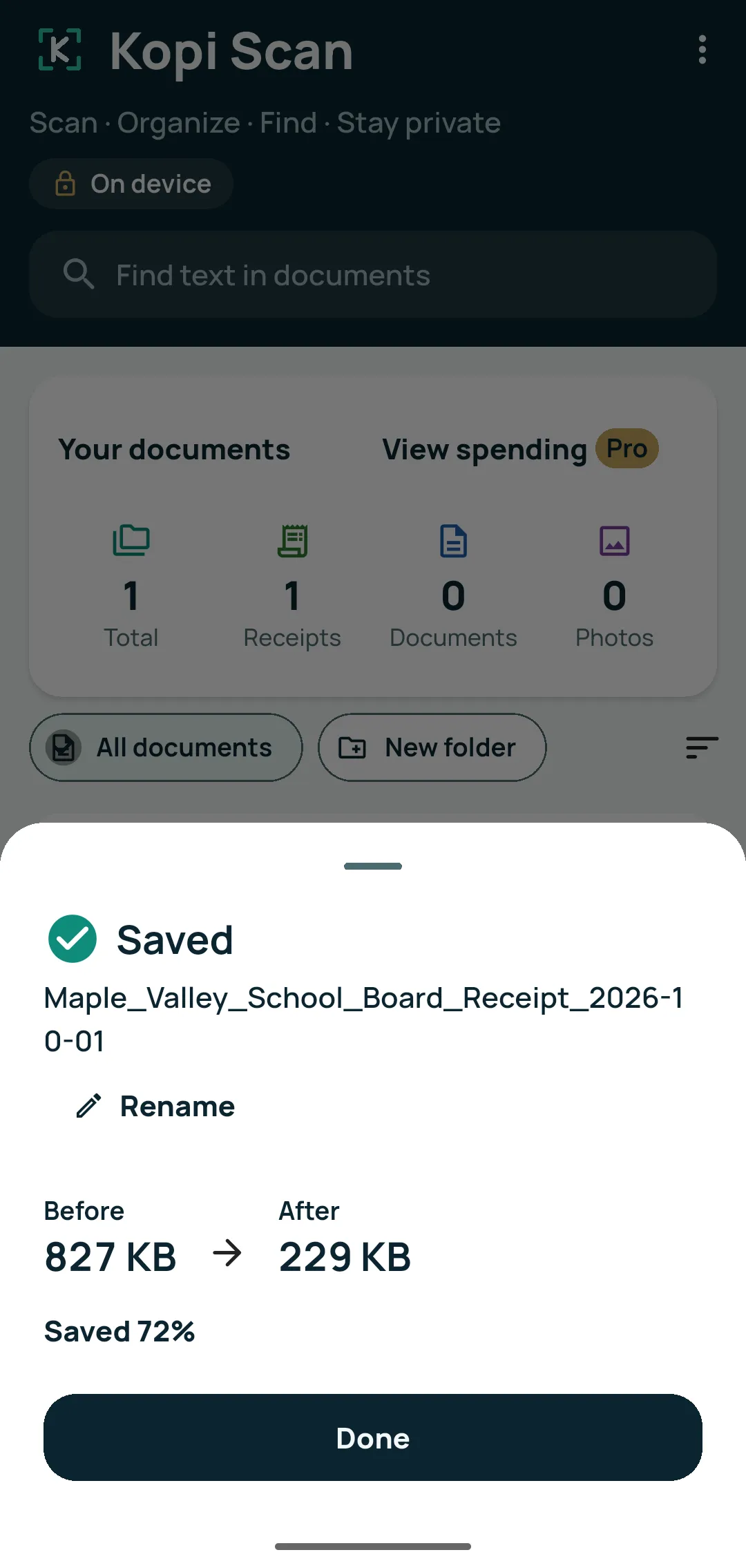
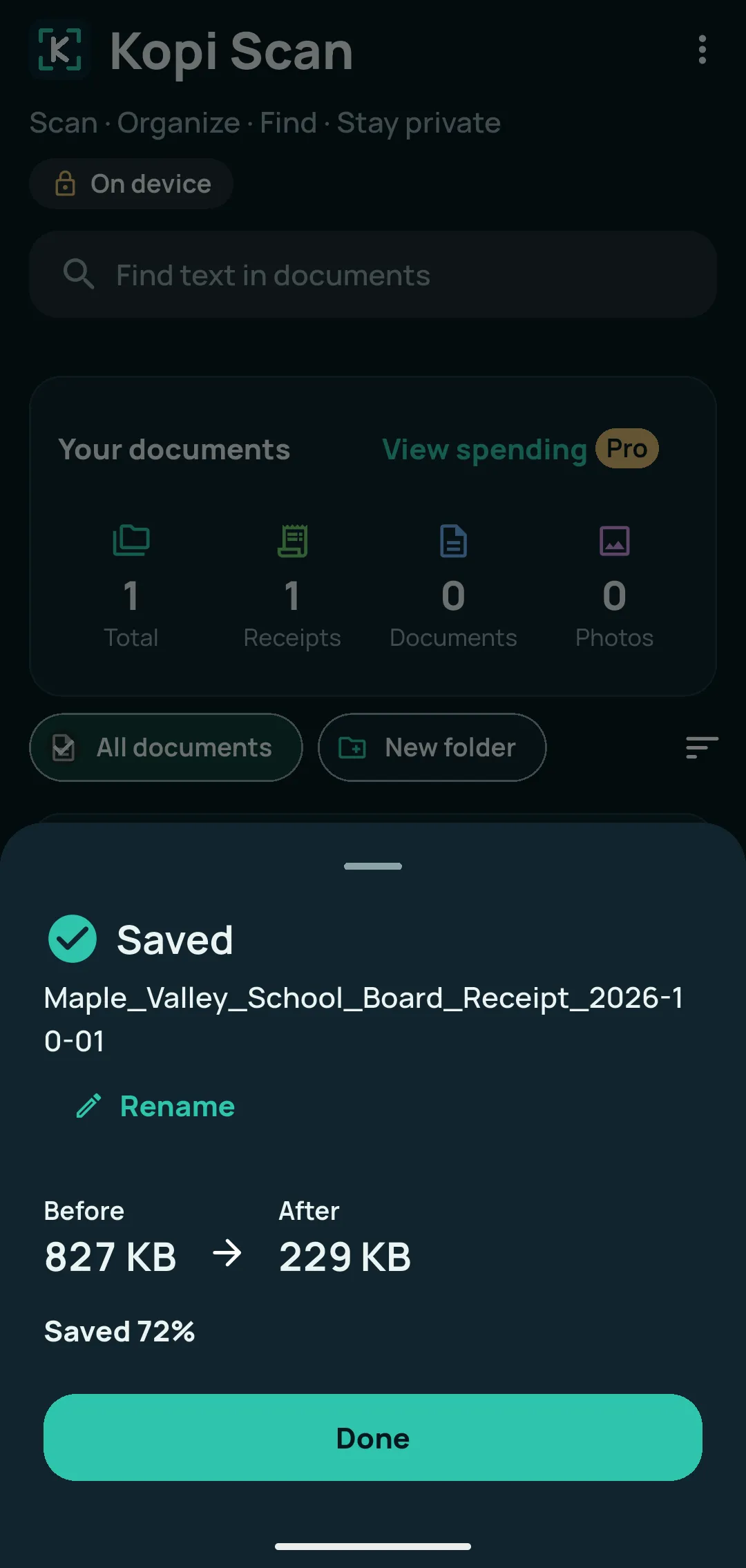
Tap Scan and the page edges are found, cropped and straightened. Add pages, retake or reorder them, then Save PDF. Import photos and existing PDFs too.
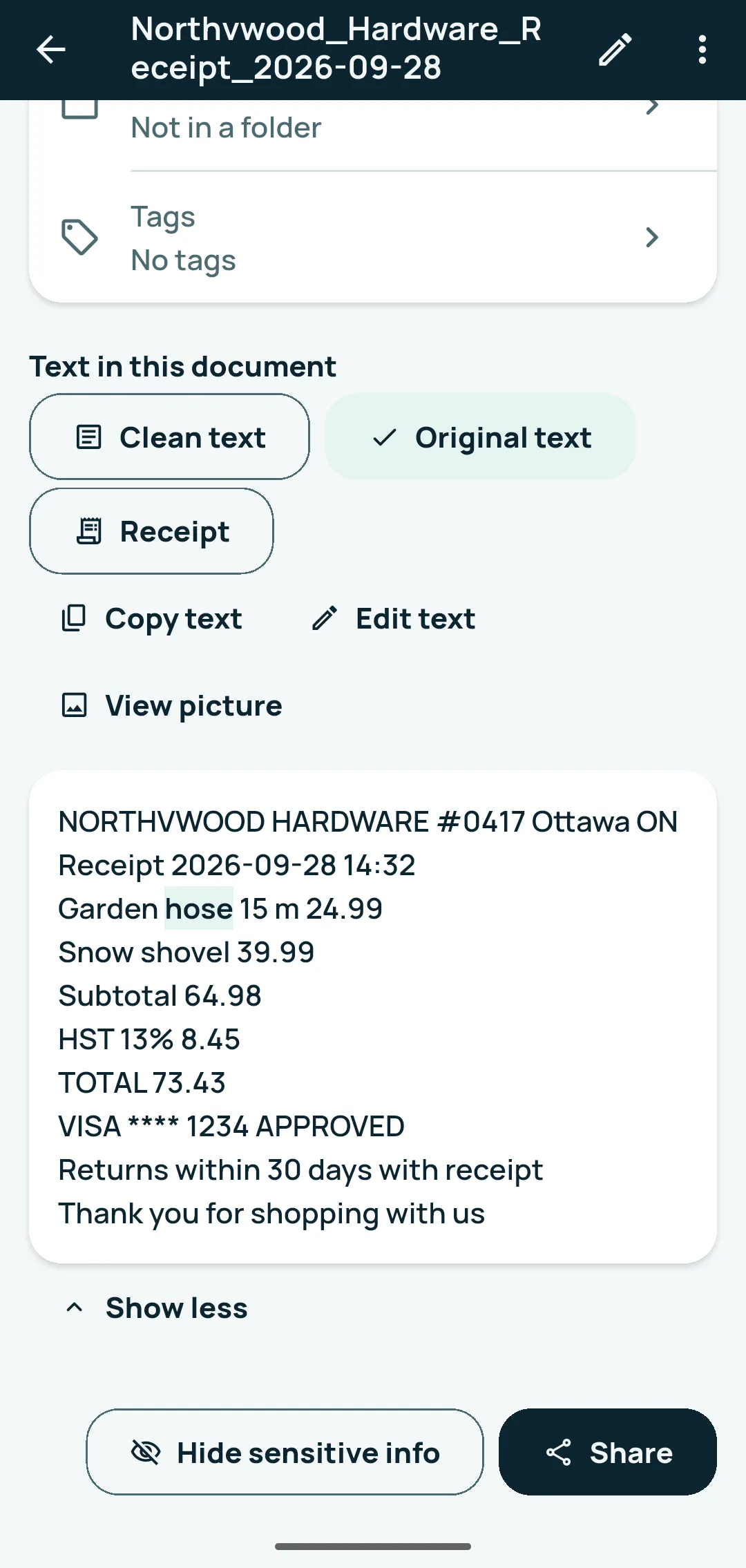
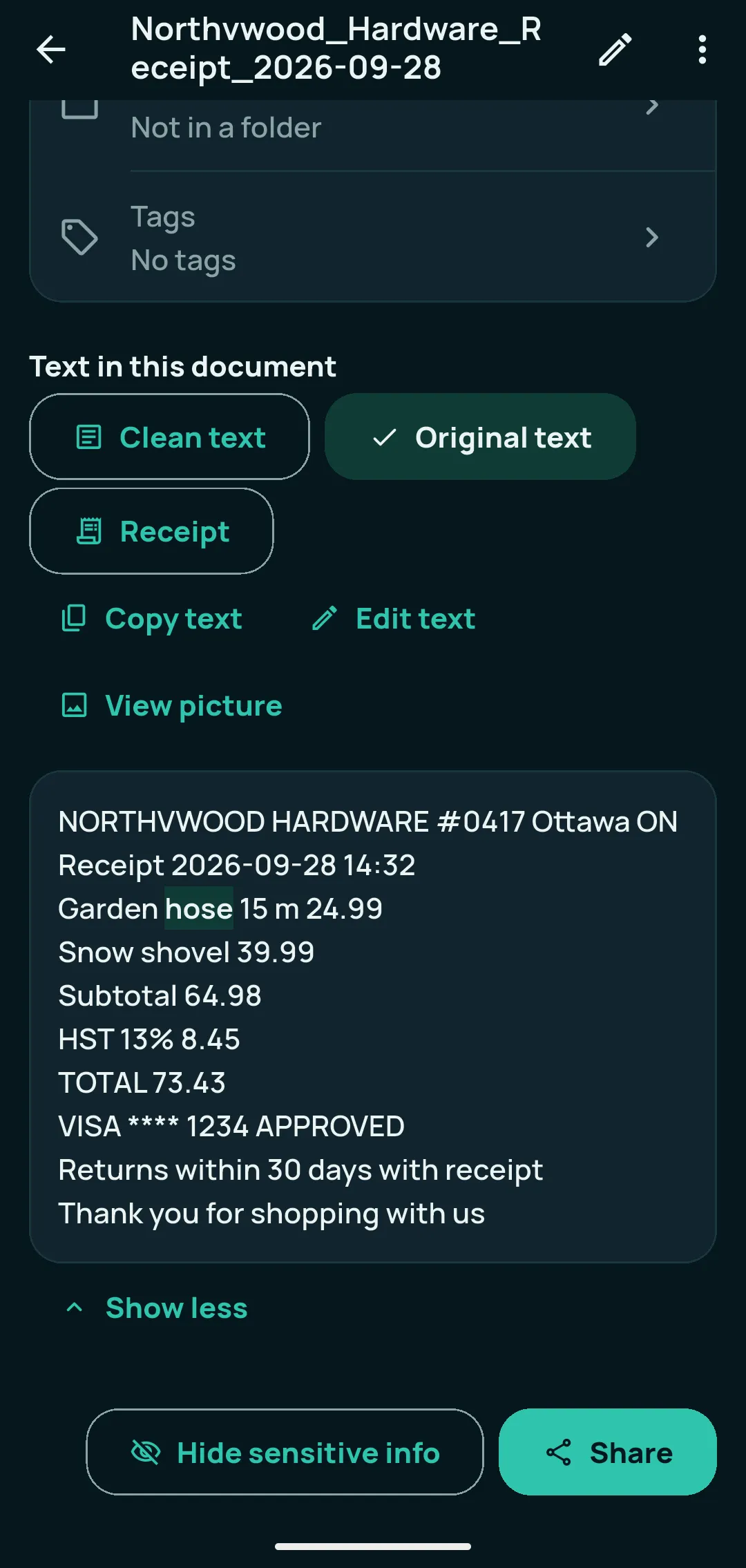
Printed English, French and other Latin-script text is read on your phone. Copy it in one tap, correct a misread word, and switch between Clean text and Original text.
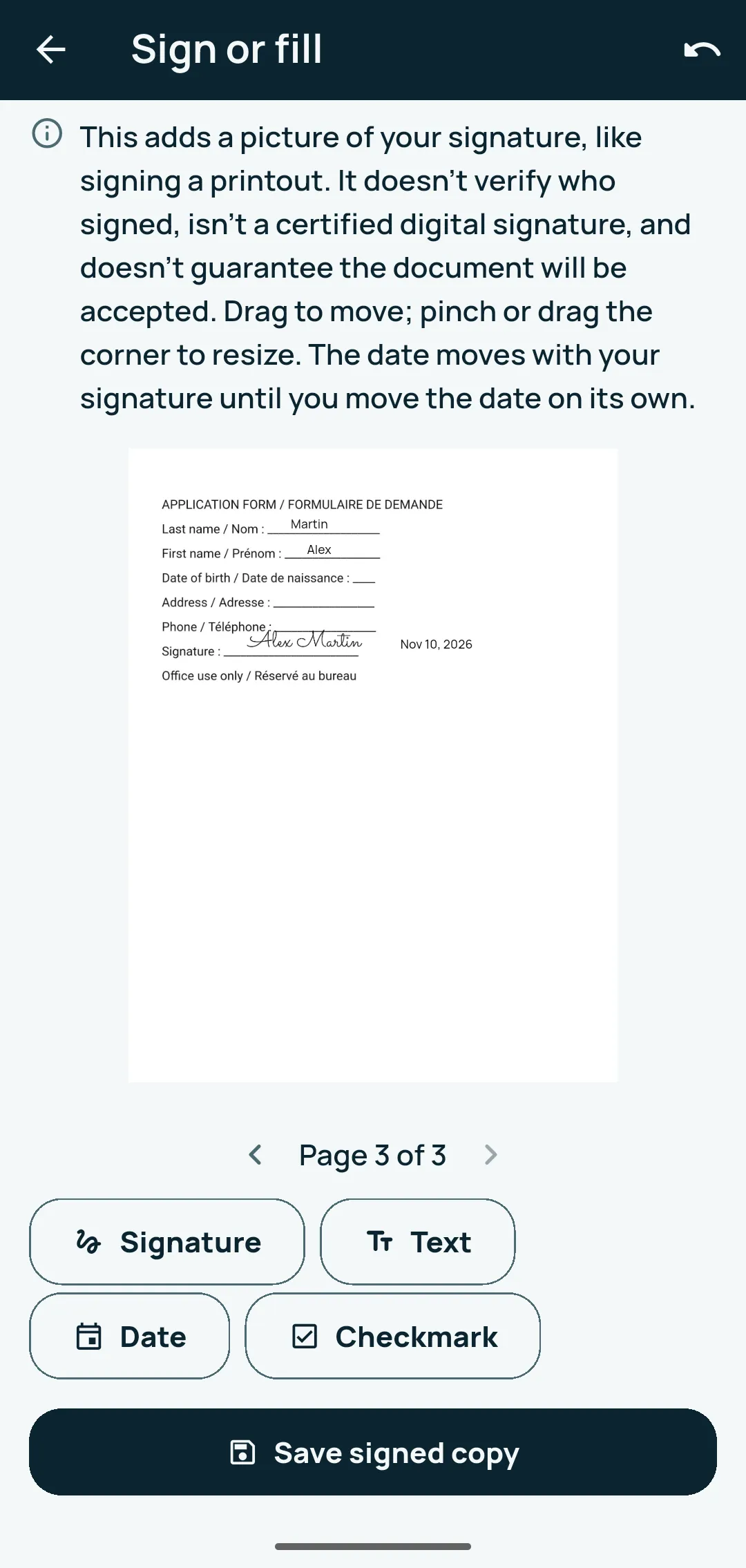
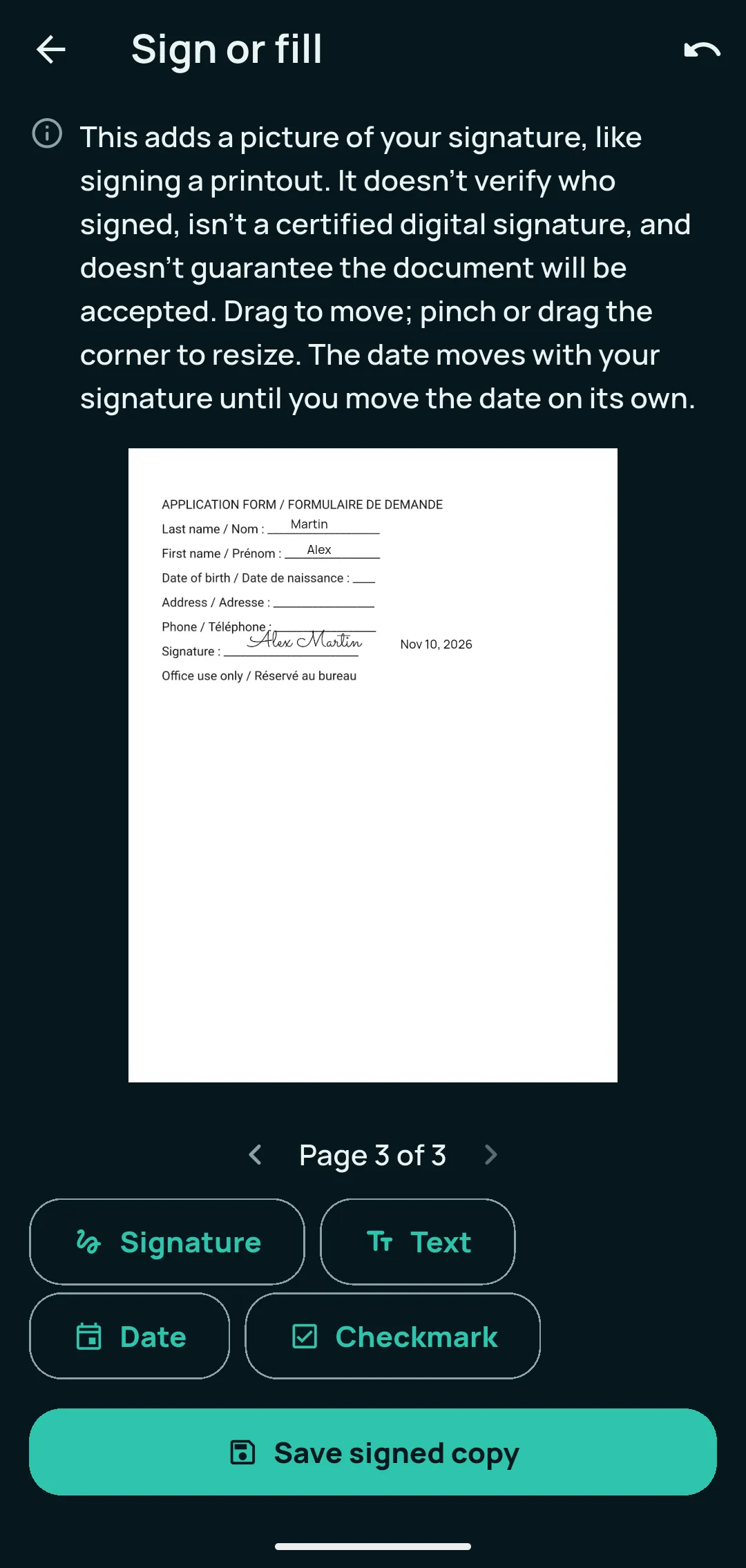
Add your signature, text, a date or a checkmark and save a signed copy; the original never changes. Hide sensitive info before you share, then send as PDF, JPG, PNG or text, or print.
On Android, Kopi Scan has no internet permission: the app itself has no way to send your documents anywhere. Here is what that means in practice.
Scanning, text reading and search run on your phone. On Android, Google Play services may download Google parts, such as the document scanner, and send Google usage statistics about them.
Your documents, page pictures and their text are stored encrypted on your device (AES-256-GCM files and an encrypted database), with the key in the Android Keystore.
A copy leaves your phone only when you share, save, print or back up to a folder you picked. Backups are encrypted with your password: only your password or Recovery Key opens them.
Everything you need to scan, read, search, organize, sign, share and back up your documents is free. Pro adds tools for receipts, bills and long PDFs.
No ads, no account, no watermark, no page limit.
Free means the whole workflow, not a trial.
More tools inside the same app, for people who deal with receipts, bills and long PDFs.
One-time upgrade · No subscription · No recurring billing
Everything in Free stays free. Pro also adds Clean copy, tables to a spreadsheet, book page splitting and reminders. Full feature comparison →
Step-by-step walkthroughs with real screens, written to help even before you install the app.
Turn letters, forms and statements into clear PDFs you can find by any word inside them, without uploading anything. Free, step by step, on Android.
Read the guide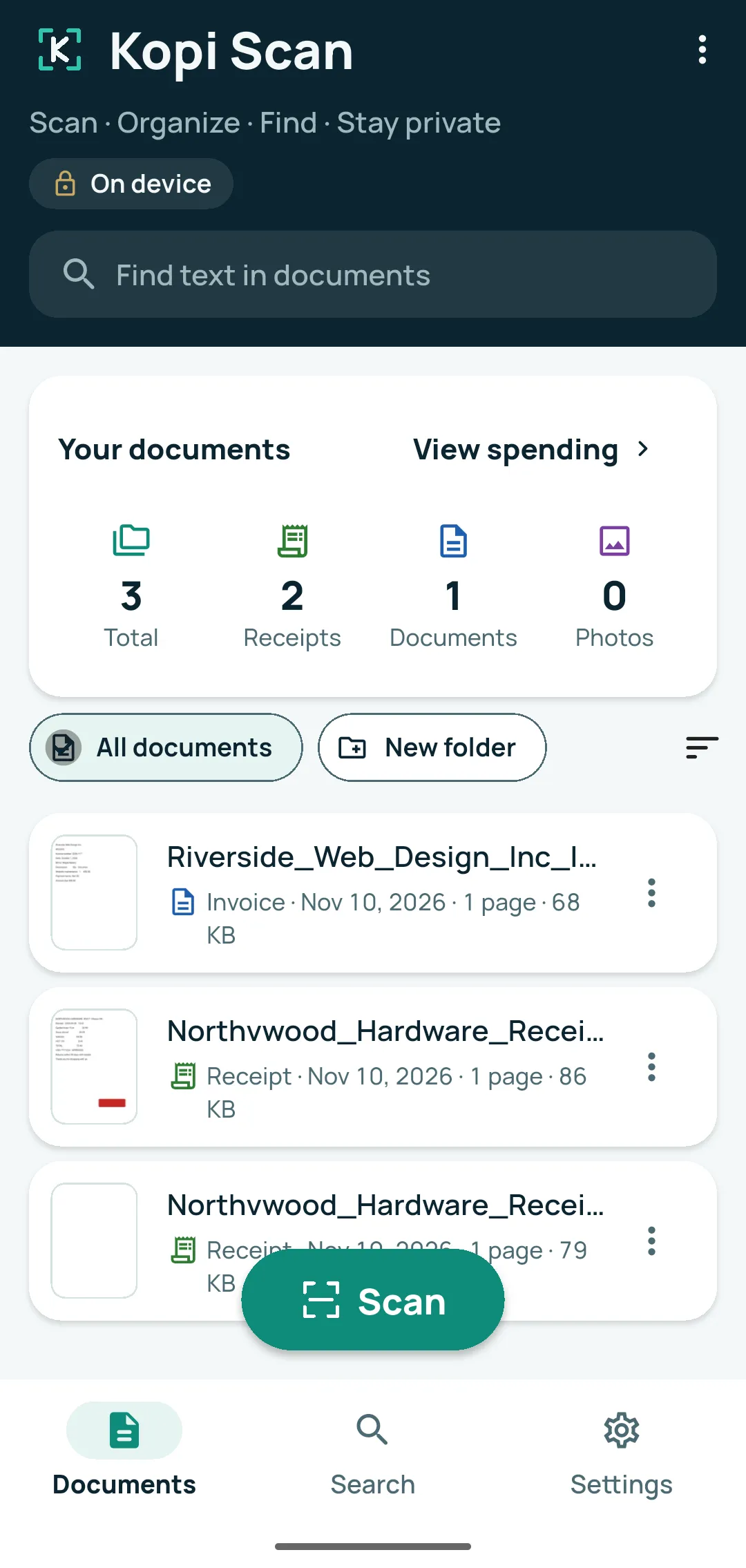
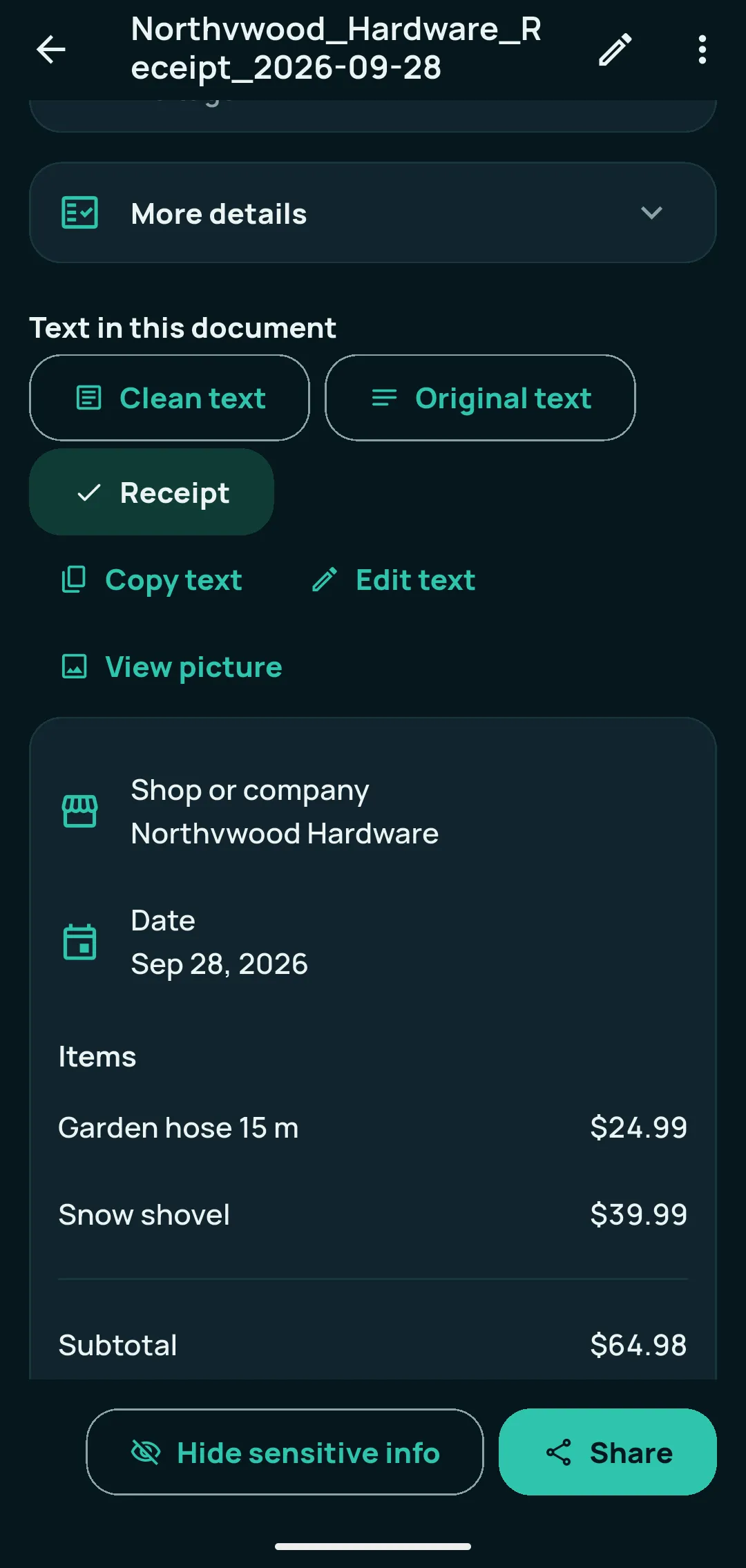
Keep every receipt, see the shop, date and items at a glance, and get totals and a spreadsheet when you need them, on your Android phone. Free steps first, then Pro.
Read the guide Scan IDs, medical forms and statements offline, keep them encrypted on your phone, hide sensitive details before sharing, and keep a backup only you can open.
Read the guideYes. Core features are free: scanning, text recognition, search, sharing and folders, with no ads, no account, no watermark and no page limit. Kopi Scan Pro is an optional one-time upgrade that adds more tools.
No. Kopi Scan Pro is an optional one-time upgrade: you pay once, and there is nothing to renew or cancel.
Core scanning, text reading, search and saving work offline, even in Airplane Mode; when you’re offline, the app shows “Offline — scanning and your documents still work”. Buying Pro and Google’s scanner module need a connection the first time.
Kopi Scan never uploads your documents. On Android, Kopi Scan has no internet permission. Your documents stay on your device unless you choose to share, export or back them up — and if you back up to a cloud folder, that cloud app uploads the encrypted file, not Kopi Scan.
Yes. Add as many pages as you need into one PDF — the app sets no page limit; your phone’s storage is the only limit. Before you save, you can reorder, retake or delete pages, and you can add pages later.
Kopi Scan reads printed English, French and other languages written in the Latin alphabet. Other alphabets, such as Arabic or Chinese, are not read, and handwriting is not read by the free text reader.
Made by VMSTA Inc. in Ottawa, for Android 7.0 or newer.
For Android 7.0 or newer.