Kopi Scan never uploads your documents.
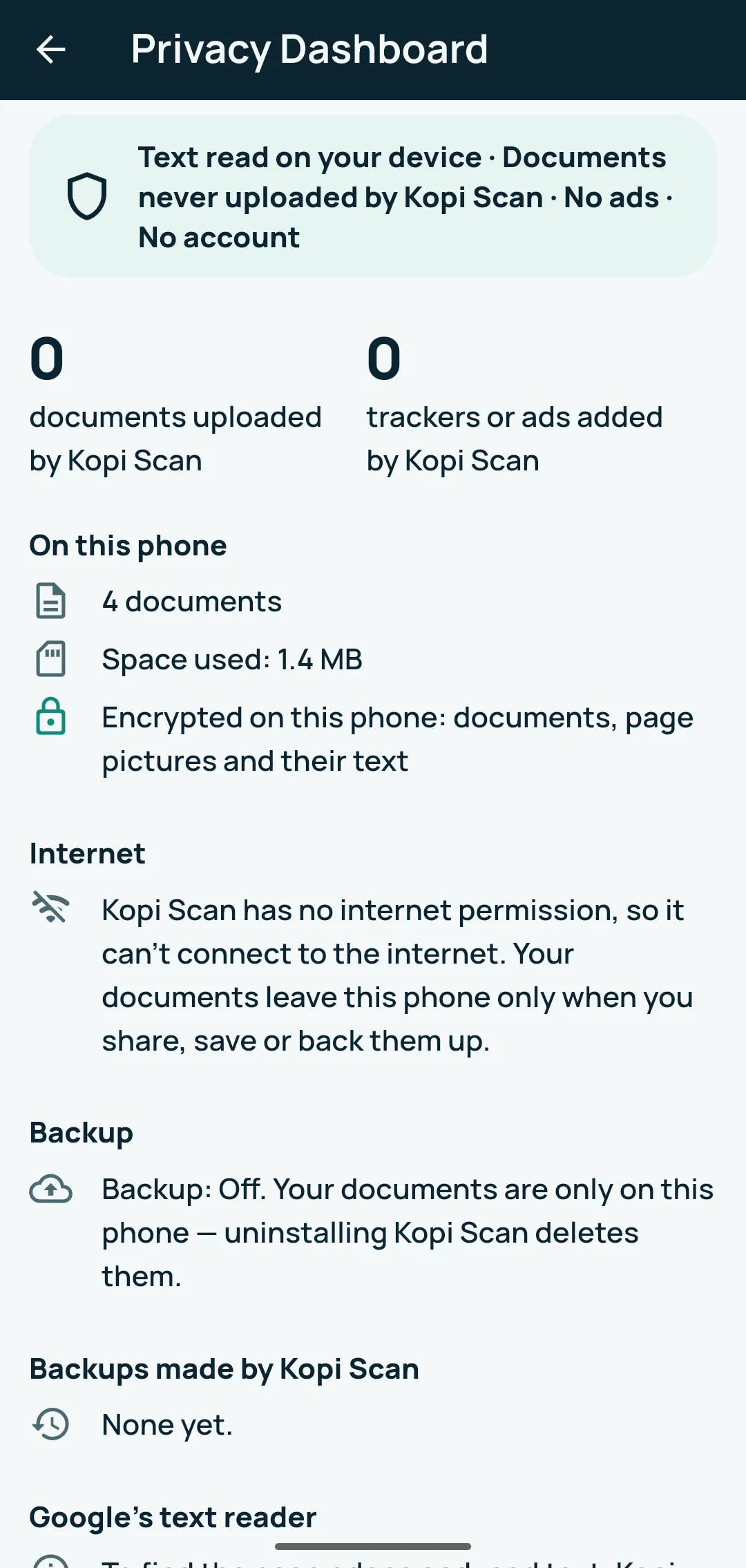
On Android, Kopi Scan has no internet permission. Every release build is checked for this automatically, so the app itself has no way to send your documents anywhere.
Kopi Scan is built so your documents stay with you. Here is what that means, in plain words, and how it works.
On Android, Kopi Scan has no internet permission. Every release build is checked for this automatically, so the app itself has no way to send your documents anywhere.
A document leaves your phone only when you use Share, Save or Print, or make a backup to a folder you picked. Once shared, the app you chose decides what happens to that copy.
Your documents, page pictures and their text are stored encrypted on your device (AES-256-GCM files and an encrypted database), with the key in the Android Keystore.
Core scanning, text reading, search and saving work offline, even in Airplane Mode — when you’re offline, the app shows “Offline — scanning and your documents still work”. Buying Pro and Google’s scanner module need a connection the first time.
Scanning, text reading and search run on your device. On Android, Google Play services may download Google parts, such as the document scanner, and send Google usage statistics about them.
No ads. Kopi Scan adds no analytics of its own, and no ads or tracking tools. On Android, Google’s ML Kit (part of Google Play services) may send Google usage statistics about its tools, with an identifier for the installation. Your pictures and text are not sent to Google.
No account needed. Kopi Scan Pro uses your Google Play account.
The app has no way to send them to us. If you choose to email us a document, we receive what you send.
Backups are encrypted with your password before they leave Kopi Scan: only your password or Recovery Key opens them. Choose a strong password and keep both safe — no one can recover them for you, not even VMSTA. If the folder belongs to a cloud app, that app uploads the encrypted file — Kopi Scan doesn’t.
Kopi Scan asks Android to leave its data out of device backups and phone-to-phone transfers — use Kopi Scan’s encrypted backup instead.
What you hide is blacked out in the page picture and removed from the PDF’s text, in a new copy. Automatic detection can miss things — check every page before you share.
Page pictures are saved without photo location and camera data, and redacted copies carry none.
Lock the app with your fingerprint, face or phone PIN. Delete all your documents and their data from this device in one step (Privacy Dashboard). Copies you shared, saved or backed up elsewhere, and store purchase history, are deleted where they are.
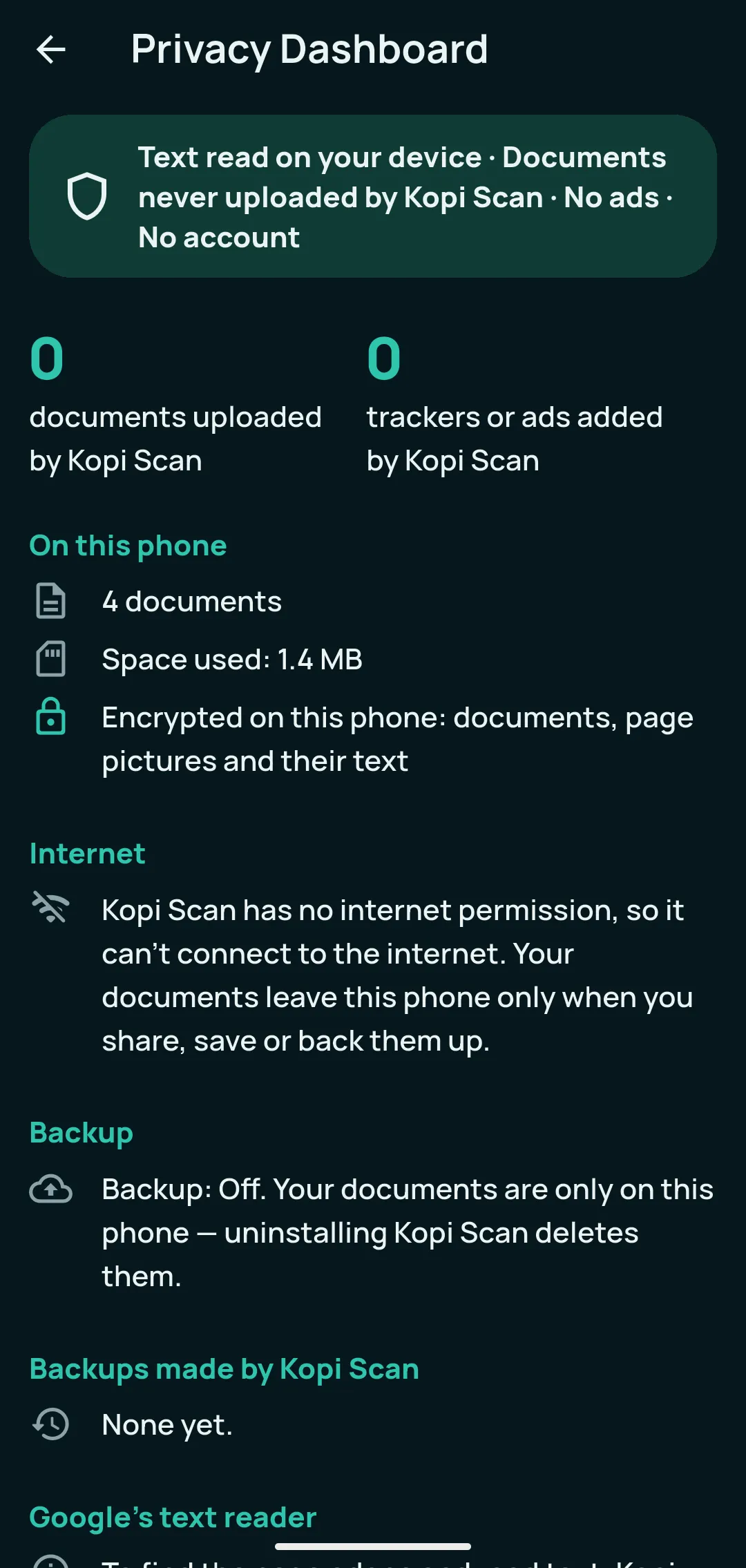
The Privacy Dashboard inside the app shows what is stored on your phone, that 0 documents were uploaded by Kopi Scan, your backup status and the note about Google’s text reader. Delete all my data is one tap away.
This page explains how things work. The Privacy Policy and the Terms of Use are the formal texts, the same ones shown inside the app.
This website uses no cookies, ads or analytics, and loads nothing from third parties: fonts and images are served from this site. It is hosted by Cloudflare, which receives your IP address to deliver the pages.
For Android 7.0 or newer.